 Carbon
Browse without
the ads.
Carbon is a fast, lightweight browser that blocks ads, trackers, pop-ups and sneaky redirects on every site — automatically. No extensions, no account, no setup.
Everything a browser should be. Nothing it shouldn't.
Carbon is built to be fast and private, and stays out of your way.
Ad & tracker blocker
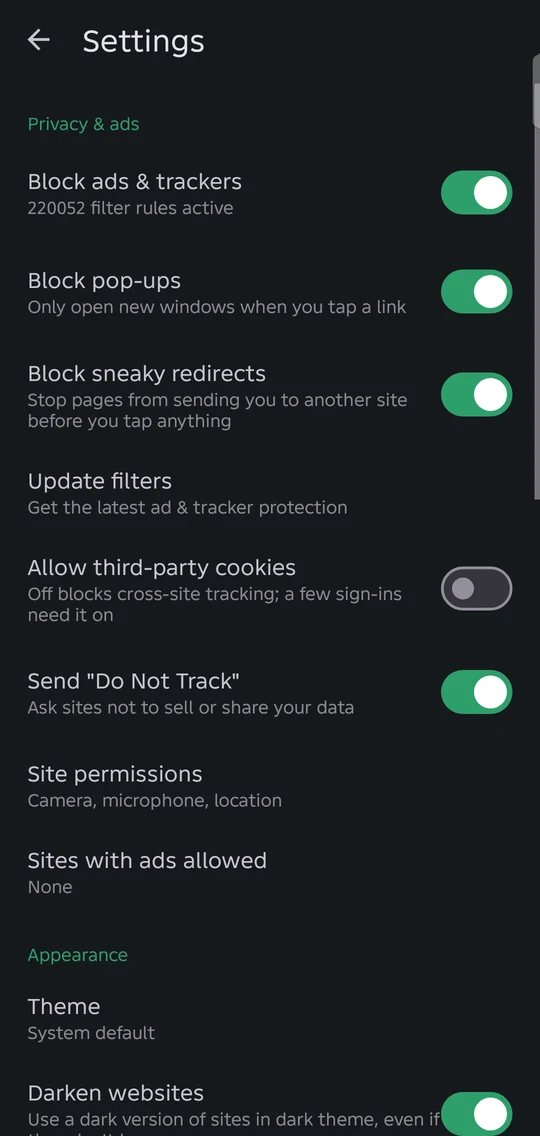
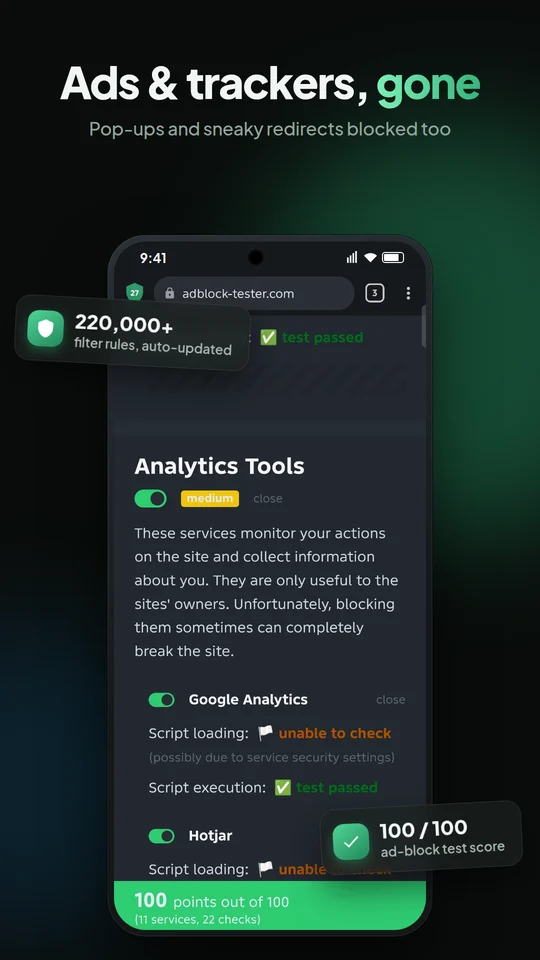
Over 220,000 filter rules block ads, banners, video ads and trackers on every site, updated automatically.
Pop-up & redirect blocker
Stops pop-unders and pages that try to send you to ad sites before you even tap anything.
Faster downloads
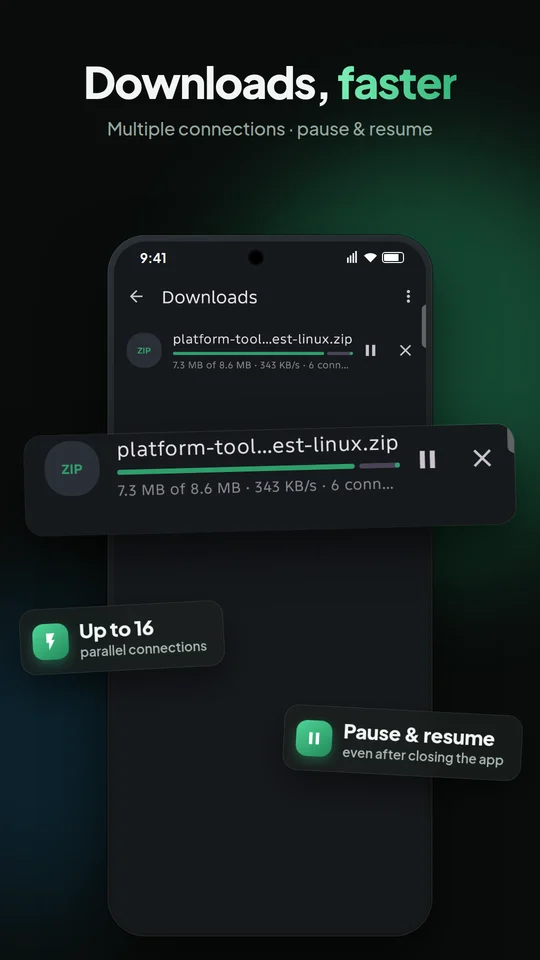
Files download over multiple connections at once. Pause and resume anytime, even after closing the app.
Mini player
Press Home while a video plays and keep watching in a small floating window.
Private by design
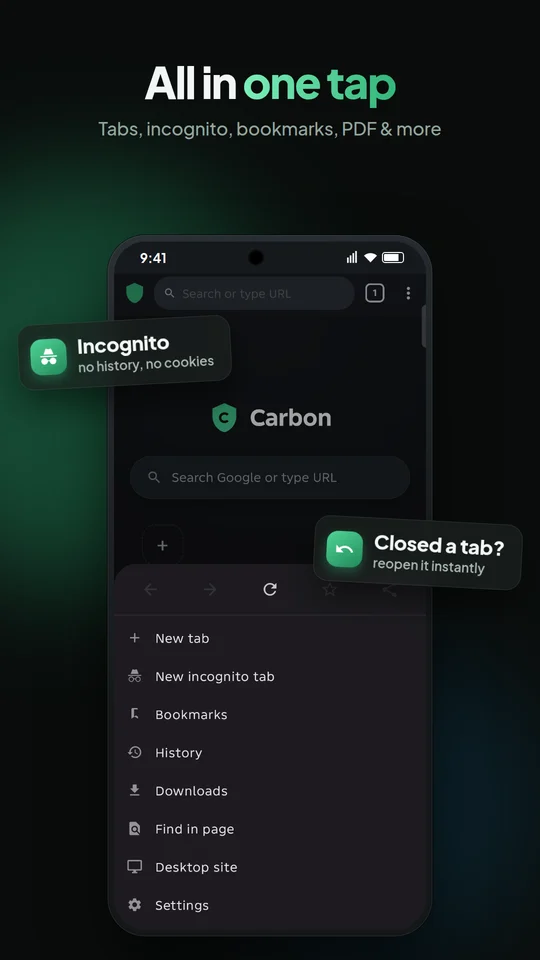
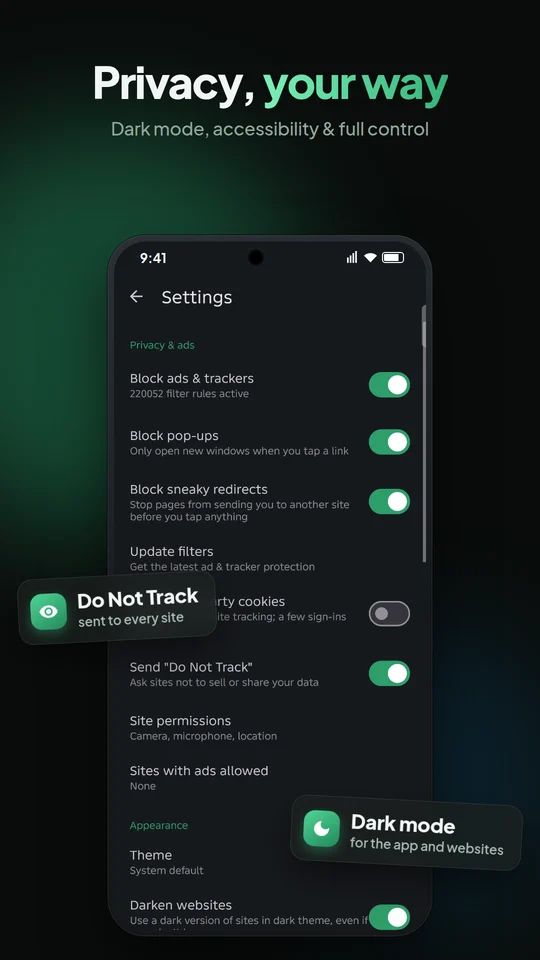
Incognito tabs, third-party cookie blocking and Do Not Track. No account, no analytics, no ads.
Your new tab page
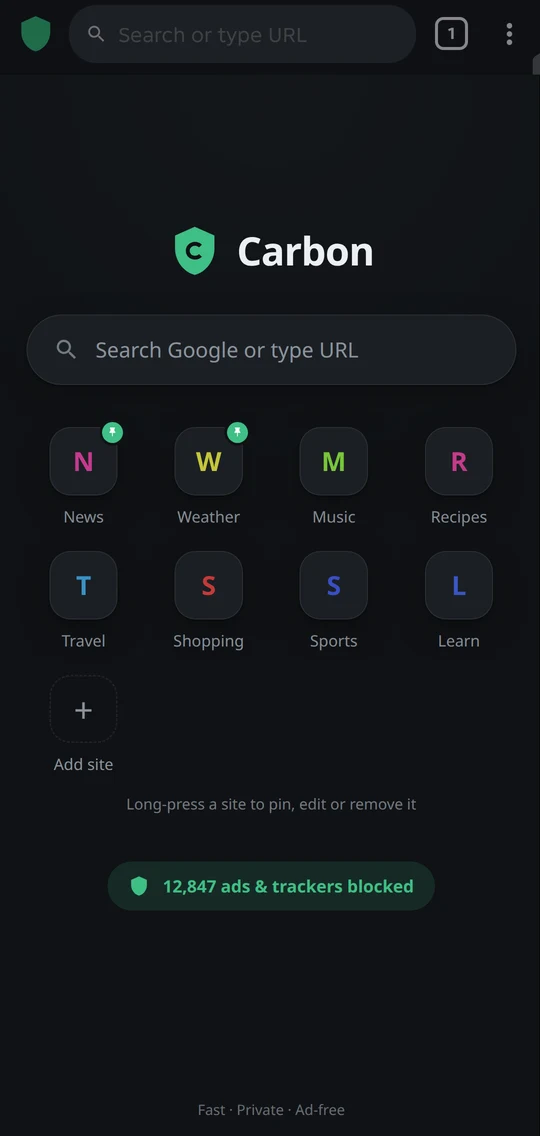
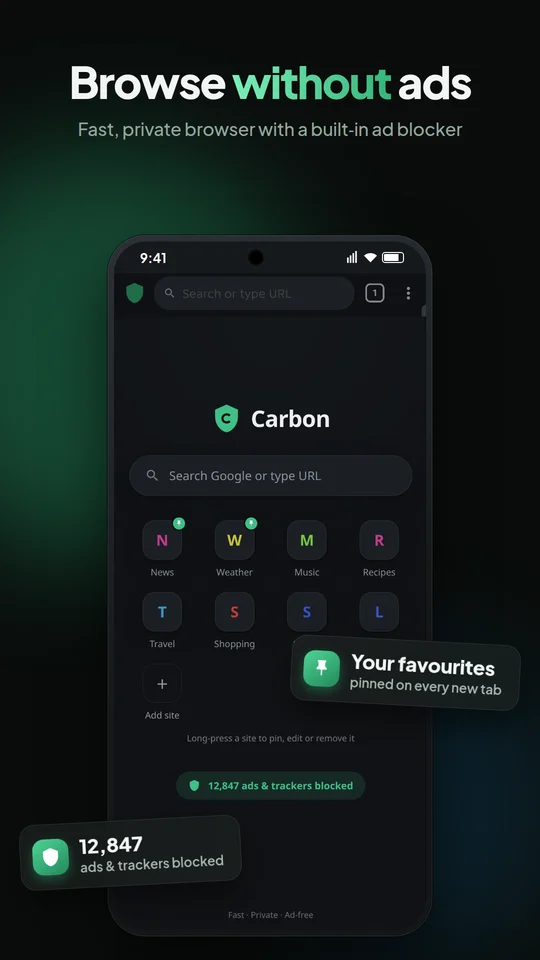
A clean start page with search and your favourite sites — pin them with real site icons.
Dark mode & accessibility
Light, dark or system theme, darkened websites, text size, minimum font size and force-enable zoom.
All the essentials
Tabs, bookmarks, history, voice search, find in page, desktop mode, print to PDF and reopen closed tabs.
Your search engine
Google, DuckDuckGo, Bing or Brave Search, with instant suggestions you can turn off anytime.
Clean, fast and ad-free
Questions, answered
Is Carbon free?
Yes. Carbon is free, has no ads of its own and no in-app purchases.
Does Carbon collect my data?
No. There are no accounts and no analytics. Your history, bookmarks and settings stay on your phone. Read the privacy policy for the details.
A website looks broken. What can I do?
Tap the shield next to the address bar and choose Allow ads on this site. Carbon remembers your choice for that site only.
How do I make Carbon my default browser?
Open Android Settings → Apps → Default apps → Browser app and choose Carbon.
Where are my downloads saved?
In your phone's Downloads folder. You can also open them from Carbon's menu → Downloads.
Why are downloads faster in Carbon?
Carbon splits large files into parts and downloads them over several connections at once (up to 16). When the server supports it, this can be noticeably faster than a single connection.
Does incognito mode hide me from my internet provider?
No. Incognito keeps your browsing off your phone (no history, cache or saved cookies), but websites and your network provider can still see your traffic. Use a VPN for that.